

XAML Exporter for Illustrator using the CS2 COM Type Library
I guess the title for this blog post answers 90% of what I had to say ;)
Yes, I have spent the last few days working on using the scripting object model for Illustrator CS2 to export the artwork to WPF/XAML. The code is entirely in C# / .Net 2.0 and uses the Illustrator CS2 COM Type Library. Now you may be wondering why I did one more Illustrator-XAML exporter, when there is already one by Michael Swanson. Couple of reasons:
- I wanted to add some export options for creating ControlTemplates, DataTemplates etc. as the top-level tag instead of Viewbox. That way I could just load them up in Expression Interactive designer and add animations, data-bindings etc.
- The source code for Swanson’s plugin was not available. It was in C++ and really a step back for me, after having spent a considerable amount to time in the C# world ;)
- I also wanted to add a XAML preview and a simple XAML editor like XamlPad, all in the same application.
- Moving forward, I would be adding some more features that are fine-tuned to the way in which we consume Illustrator artwork, in our company. We are building our own Designer - Developer workflow and to make that more seamless, the Exporter will need to have some more features.
I am also glad to announce that I will be making the code freely available on CodePlex. I have already setup the project here. Once I finish cleaning up the code I’ll upload it. If people are really interested, I could speed up things a little ;)
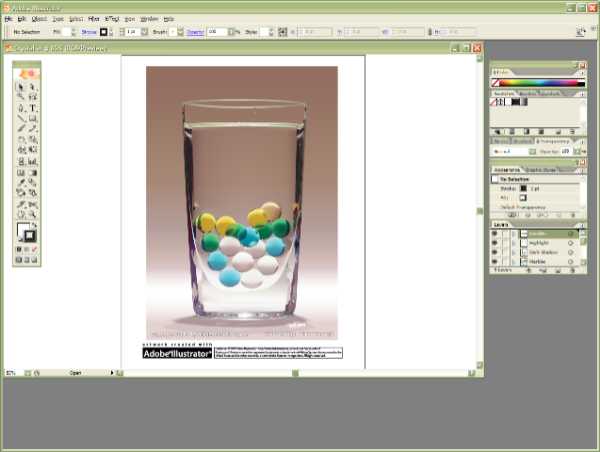
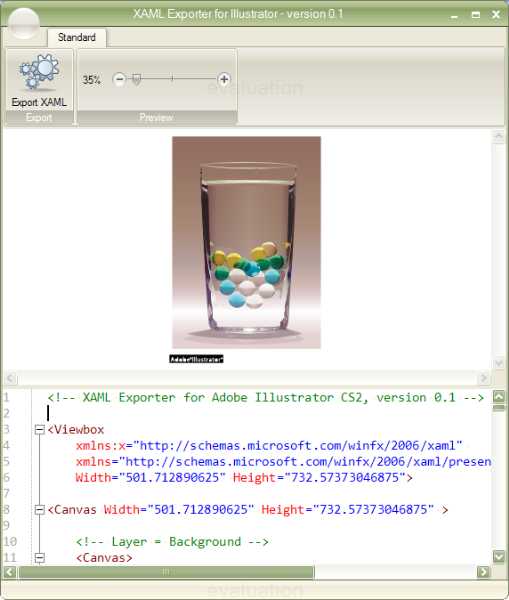
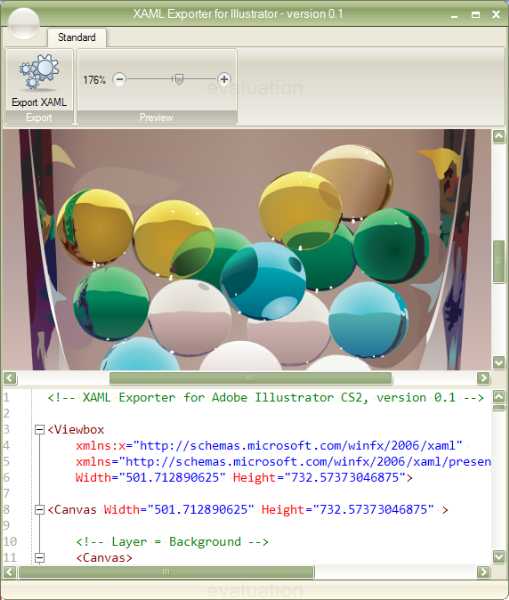
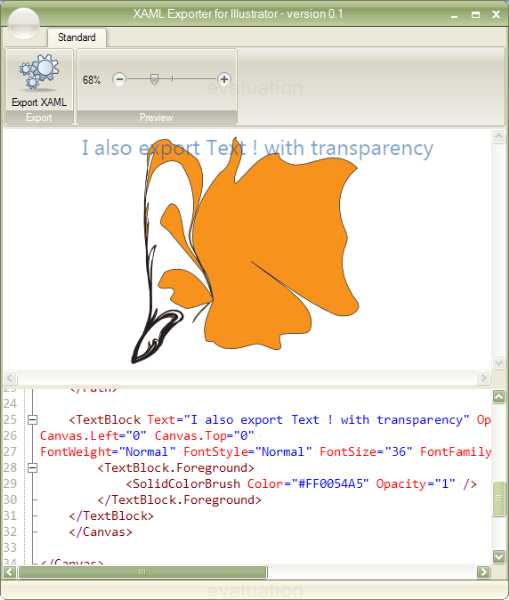
Here are some screenshots of the Exporter. I am using a 3rd party component for the Ribbon UI. I’ll be replacing that with a plain Winforms UI.
1. The artwork in Illustrator:
2. The application with the exporter XAML + preview The editor is just like in XamlPad. You can edit and see the changes happen dynamically to the preview. I am using the TextEditor component from the SharpDevelop project, which gets me the Visual Studio style syntax highlighting, code-folding etc…
3. The preview zoomed in:
4. Some text
Here is a quick rundown of exported objects:
- Strokes
- Linear and Radial gradients
- Text (single - line only)
- Opacities
- Visibility
- Paths
- Colors (CMYK, RGB, Spot, Gradients, Gray)
- Layers, Groups, CompoundPaths
- XAML comments